'/%3E%3Cpath fill='%23ffffff' transform='translate(256 256) scale(0.6) translate(-256 -256)' d='M501.1 395.7L384 278.6c-23.1-23.1-57.6-27.6-85.4-13.9L192 158.1V96L64 0 0 64l96 128h62.1l106.6 106.6c-13.6 27.8-9.2 62.3 13.9 85.4l117.1 117.1c14.6 14.6 38.2 14.6 52.7 0l52.7-52.7c14.5-14.6 14.5-38.2 0-52.7zM331.7 225c28.3 0 54.9 11 74.9 31l19.4 19.4c15.8-6.9 30.8-16.5 43.8-29.5 37.1-37.1 49.7-89.3 37.9-136.7-2.2-9-13.5-12.1-20.1-5.5l-74.4 74.4-67.9-11.3L334 98.9l74.4-74.4c6.6-6.6 3.4-17.9-5.7-20.2-47.4-11.7-99.6.9-136.6 37.9-28.5 28.5-41.9 66.1-41.2 103.6l82.1 82.1c8.1-1.9 16.5-2.9 24.7-2.9zm-103.9 82l-56.7-56.7L18.7 402.8c-25 25-25 65.5 0 90.5s65.5 25 90.5 0l123.6-123.6c-7.6-19.9-9.9-41.6-5-62.7zM64 472c-13.2 0-24-10.8-24-24 0-13.3 10.7-24 24-24s24 10.7 24 24c0 13.2-10.7 24-24 24z'/%3E%3C/svg%3E)
How to Format SQL: Readable Queries, Style Conventions & Online Formatting
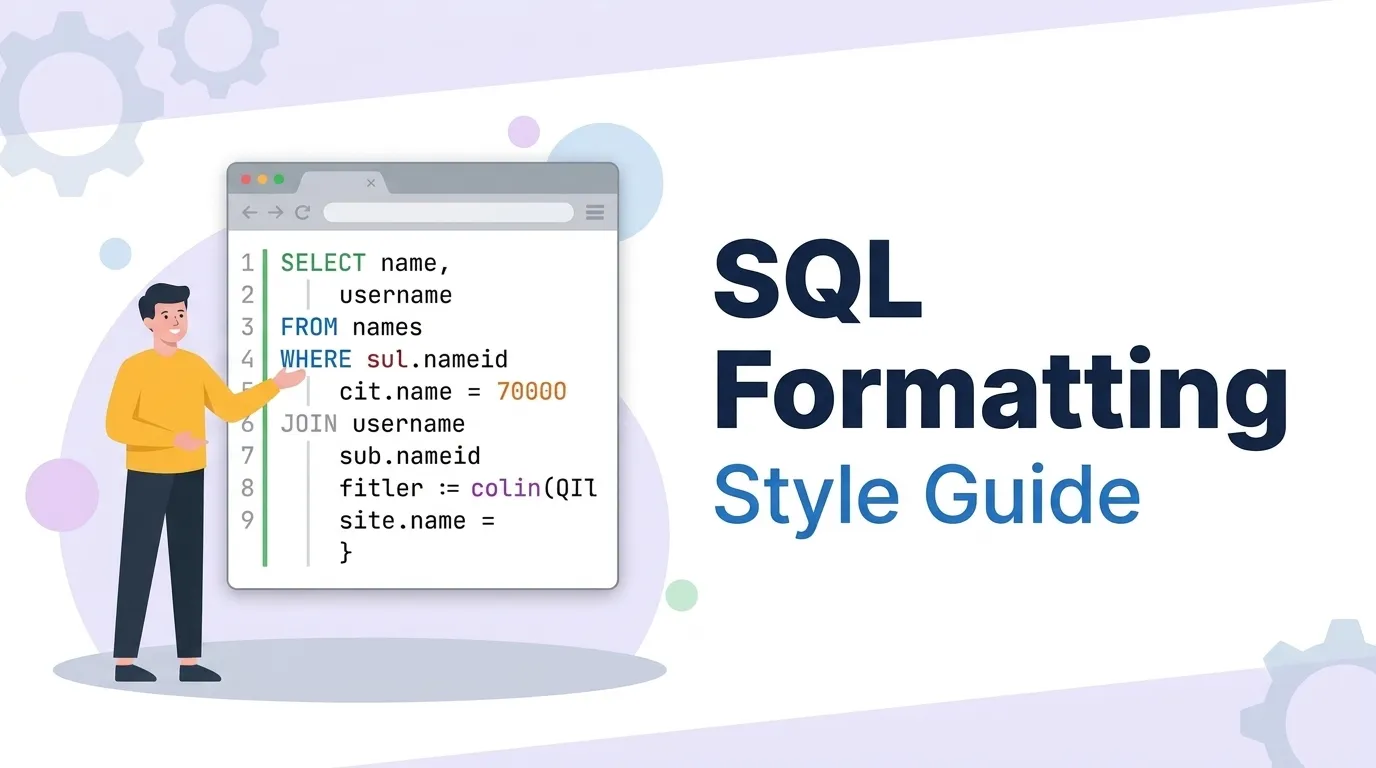
SQL is the one language most teams never agree to format. Application code passes through Prettier, Black, or gofmt on every save, yet the 80-line analytical query powering a dashboard gets pasted as a single unreadable wall of text. That inconsistency has a real cost: unreadable SQL hides logic bugs, produces noisy version-control diffs, and slows down every code review. Formatting SQL is not about aesthetics — it is about making the logic of a query visible so mistakes surface before they reach production.
1. The Anatomy of a Readable Query: Clause-Per-Line Layout
The single highest-impact rule in SQL formatting is to give each major clause its own line, left-aligned, so the skeleton of the statement reads top to bottom like a sentence: SELECT what, FROM where, JOIN what else, WHERE filtered how, GROUP BY, HAVING, ORDER BY, LIMIT. Everything that belongs to a clause — the column list, the join conditions, the filter predicates — is indented one level beneath it.
- One major keyword per line, aligned to the left margin.
- One selected column (and one JOIN) per line, consistently indented.
- Boolean operators (
AND/OR) leading the line so filter logic stacks vertically.
2. The Conventions That Actually Matter
Beyond layout, a handful of micro-conventions determine whether a team's SQL looks like one author wrote it or twenty did. None are functionally required — SQL ignores whitespace and keyword case entirely — but each removes a recurring source of review friction.
| Convention | Common Choice | Why It Helps |
|---|---|---|
| Keyword case | UPPERCASE | Separates SQL structure from lowercase identifiers at a glance. |
| Indentation | 2 or 4 spaces | Tabs render inconsistently across editors and diff viewers. |
| Aliases | explicit AS | Makes derived column and table names unmistakable. |
| JOIN type | spell out INNER / LEFT | Removes ambiguity about intended join semantics. |
| Trailing semicolon | always | Required for multi-statement scripts and migration runners. |
3. Leading vs. Trailing Commas: The Diff-Friendly Debate
Where the comma sits in a multi-line column list is one of the oldest style arguments in data engineering. Both are valid; they optimize for different things.
SELECT
    id,
    email,
    created_at
FROM users
Reads naturally, but adding a final column forces you to edit the previous line too — producing a two-line diff.
SELECT
    id
  , email
  , created_at
FROM users
Every column after the first is a self-contained line, so adding or removing one is a clean single-line diff and comma errors are obvious.
The honest answer: pick one, configure your formatter to enforce it, and never discuss it again. The productivity win comes from automation, not from the specific choice.
4. Dialect Quirks: MySQL vs. PostgreSQL vs. SQL Server
A good formatter is dialect-aware because the same conceptual query uses different syntax across engines. Formatting the query "format sql online" style without respecting the dialect can mangle identifier quoting or pagination syntax.
| Feature | MySQL | PostgreSQL | SQL Server (T-SQL) |
|---|---|---|---|
| Identifier quoting | `backticks` | "double quotes" | [square brackets] |
| Row limiting | LIMIT 10 | LIMIT 10 | TOP 10 / OFFSET-FETCH |
| String concat | CONCAT() | || operator | + operator |
When you use an online SQL formatter, set the dialect (MySQL, PostgreSQL, SQL Server, etc.) so the beautifier preserves the correct quoting and does not reflow engine-specific keywords incorrectly.
5. Before & After: Formatting a Real Query
Here is the kind of single-line query that arrives pasted from an application log — and the same statement after formatting. Nothing about its behavior changes; everything about its readability does.
select u.id,u.email,count(o.id) as orders from users u left join orders o on o.user_id=u.id where u.created_at>='2026-01-01' and u.status='active' group by u.id,u.email having count(o.id)>3 order by orders desc limit 50;
SELECT
    u.id,
    u.email,
    COUNT(o.id) AS orders
FROM users AS u
LEFT JOIN orders AS o
    ON o.user_id = u.id
WHERE u.created_at >= '2026-01-01'
  AND u.status = 'active'
GROUP BY
    u.id,
    u.email
HAVING COUNT(o.id) > 3
ORDER BY orders DESC
LIMIT 50;
In the formatted version the LEFT JOIN and its ON condition are impossible to miss, and the two WHERE predicates stack vertically — so a reviewer instantly sees both the join relationship and every filter.
6. Where to Format: Editor, CI, and Online Tools
There are three places to enforce SQL formatting, and mature teams use more than one:
Extensions format on save. Fast feedback, but depends on every developer configuring it identically.
A formatting check in the pipeline guarantees committed SQL is consistent regardless of local setup.
For one-off cleanup of a query pulled from a log or a colleague's message, a browser tool is the fastest path. Choose one that formats client-side so the SQL is never uploaded.
Treat formatting as a one-way transform for display and review. It never fixes a logic bug — a formatter will faithfully beautify a query with a missing join condition and leave the bug intact. Formatting makes bugs easier to see; it does not remove them.
7. Frequently Asked Questions
Should SQL keywords be uppercase or lowercase?+
A growing minority of teams, especially those using ORMs and auto-generated SQL, prefer all-lowercase for less visual noise. The only rule that truly matters is consistency: pick one casing style, encode it in a formatter config, and apply it automatically so code review never argues about it.
Does formatting SQL change how the query runs or performs?+
Formatting is purely for humans and version control. The one indirect benefit is that readable SQL makes it far easier to spot the logic errors — a missing JOIN condition, an accidental cartesian product, a misplaced filter — that genuinely do affect correctness and performance.
What is the best way to format SQL online without exposing my query?+
Many free online SQL formatters POST your query to a backend for processing. For production SQL that may contain table names, business logic, or literal values, that is a needless data-exposure risk. In-browser formatting removes the server round-trip entirely.
How should I format long lists of columns and complex JOINs?+
For queries with many joins, aligning table aliases and ON conditions vertically makes the relationship graph obvious. If a query needs more than five or six joins to be readable even when formatted, that is often a signal to refactor it into a CTE (WITH clause) pipeline.
Format & Beautify SQL Instantly — In Your Browser
Paste a messy one-line query and get clean, indented, dialect-aware SQL back in a click. Supports MySQL, PostgreSQL, SQL Server and more, with zero server upload — your query never leaves the tab.