'/%3E%3Cpath fill='%23ffffff' transform='translate(256 256) scale(0.6) translate(-256 -256)' d='M501.1 395.7L384 278.6c-23.1-23.1-57.6-27.6-85.4-13.9L192 158.1V96L64 0 0 64l96 128h62.1l106.6 106.6c-13.6 27.8-9.2 62.3 13.9 85.4l117.1 117.1c14.6 14.6 38.2 14.6 52.7 0l52.7-52.7c14.5-14.6 14.5-38.2 0-52.7zM331.7 225c28.3 0 54.9 11 74.9 31l19.4 19.4c15.8-6.9 30.8-16.5 43.8-29.5 37.1-37.1 49.7-89.3 37.9-136.7-2.2-9-13.5-12.1-20.1-5.5l-74.4 74.4-67.9-11.3L334 98.9l74.4-74.4c6.6-6.6 3.4-17.9-5.7-20.2-47.4-11.7-99.6.9-136.6 37.9-28.5 28.5-41.9 66.1-41.2 103.6l82.1 82.1c8.1-1.9 16.5-2.9 24.7-2.9zm-103.9 82l-56.7-56.7L18.7 402.8c-25 25-25 65.5 0 90.5s65.5 25 90.5 0l123.6-123.6c-7.6-19.9-9.9-41.6-5-62.7zM64 472c-13.2 0-24-10.8-24-24 0-13.3 10.7-24 24-24s24 10.7 24 24c0 13.2-10.7 24-24 24z'/%3E%3C/svg%3E)
Cron Expression Syntax Guide: 5 vs. 6 Fields, Timezones & DST Failure Prevention
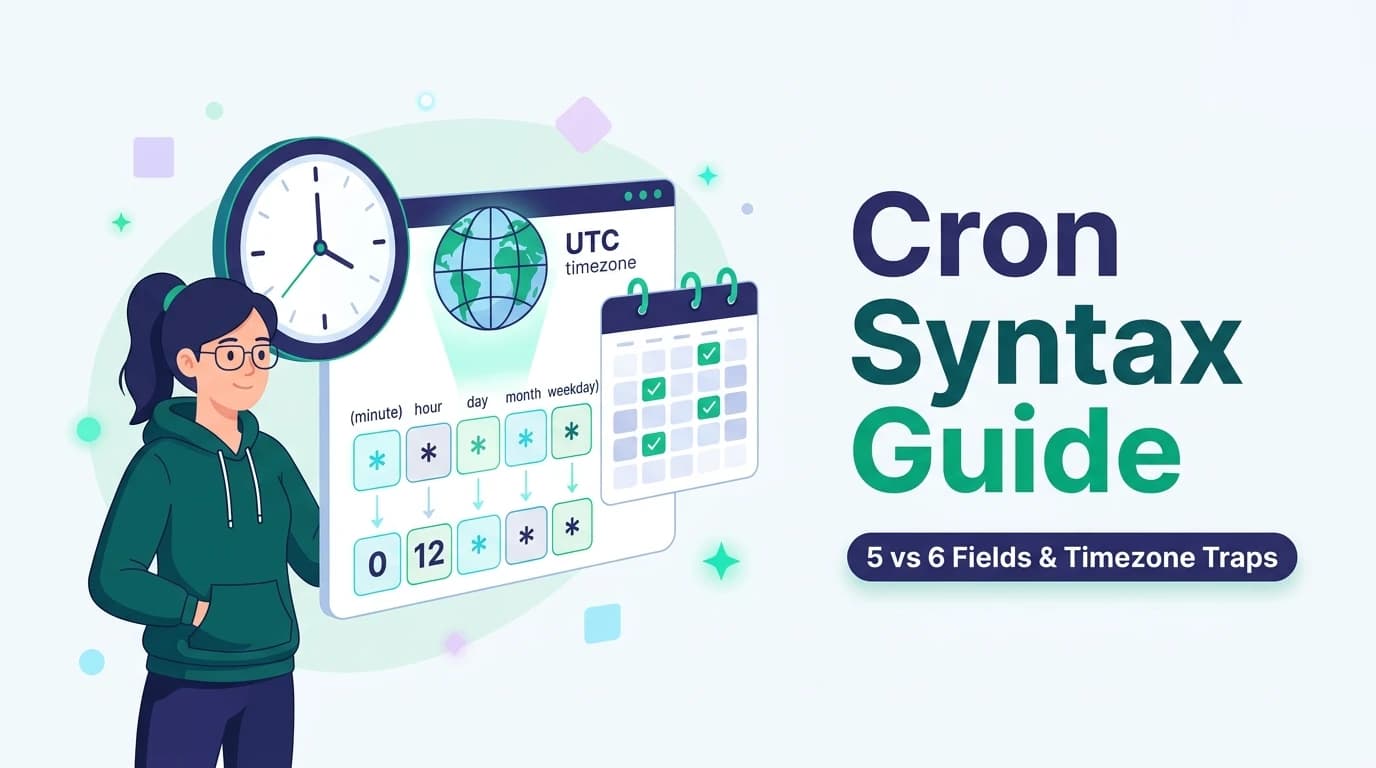
First conceptualized in 1975 for Version 7 Unix by Ken Thompson, the cron expression is one of computing’s oldest surviving domain-specific languages (DSLs). Yet, despite its deceptive simplicity, cron remains one of the most prolific sources of silent enterprise outages:
1. The Great Dialect Divide: Linux (5 Fields) vs. Quartz (6-7 Fields)
The most frequent trap encountered by software engineers moving between system administration, Spring Boot, AWS EventBridge, and Node.js schedulers is the syntax dialect difference:
| Standard | Field Count | Field Sequence | Primary Ecosystems |
|---|---|---|---|
| Standard UNIX / Linux | 5 Fields | Min Hour DOM Mon DOW | Linux crontab, Kubernetes CronJobs, GitHub Actions |
| Quartz / Java / Spring | 6 (or 7) Fields | Sec Min Hour DOM Mon DOW (Year) | Spring Boot @Scheduled, Quartz Scheduler, AWS EventBridge |
0 3 * * *→ Minute 0, Hour 3 = Exactly at 03:00 AM every day.0 3 * * * ?→ If 0 3 * * * is parsed as Quartz, '0' is SECONDS and '3' is MINUTES! Fires at 3 minutes past EVERY HOUR!2. The Special Character Taxonomy: *, ?, L, W, and #
Beyond numbers and commas, cron specifications support powerful modifier operators that govern periodic matching:
Matches every instant within that field's allowable range. In the minute field, * means every minute.
Specifies repetition frequency. For example, */15 in the minute field fires at minutes 0, 15, 30, and 45.
Used exclusively in Quartz/AWS to decouple Day-of-Month from Day-of-Week. If DOM is set to 15, DOW must be ?.
L = Last day of the month; 15W = Nearest weekday to the 15th; 6#3 = 3rd Friday of the month.
3. The Daylight Saving Time (DST) Trap: The 2:00 AM Hazard
Many developers configure server daemons in local timezones (e.g., America/New_York or Europe/London) and schedule nightly database backups, billing reconciliation, or report generation at 02:30 AM.
1. Spring Forward (March): At 01:59:59 AM, clocks jump immediately to 03:00:00 AM. The entire hour between 02:00:00 and 02:59:59 does not exist. Schedulers waiting for 02:30 AM are completely skipped. Nightly backups do not run.
2. Fall Back (November): At 01:59:59 AM, clocks repeat the hour from 01:00:00 AM to 01:59:59 AM. Schedulers without deduplication fire twice, running critical billing workflows or notifications multiple times.
4. UTC Standardization: The Invariant Schedulers Must Follow
The gold standard in production systems engineering is absolute timezone invariance: All schedulers, servers, and container hosts must execute in UTC (Coordinated Universal Time).
UTC never observes Daylight Saving Time; seconds advance monotonically without missing or duplicate hours. When business requirements necessitate running at a specific local business hour (such as 9:00 AM Tokyo or 9:00 AM San Francisco), the application should calculate the offset dynamically or use timezone-aware scheduler runtimes that explicitly handle DST ambiguous transitions.
5. Distributed Concurrency: Preventing Double Execution with Redis Redlock
When scaling web services across multiple container pods or serverless instances, running internal cron routines (like node-cron or Python APScheduler) inside each replica results in multi-pod race conditions.
import Redis from 'ioredis';
const redis = new Redis(process.env.REDIS_URL);

export async function runDistributedCron(
  jobName: string,
  ttlSeconds: number,
  task: () => Promise<void>
) {
  const lockKey = `cron:lock:${jobName}`;
  const token = Math.random().toString(36).substring(2);

  // Atomic lock acquisition: Set if Not Exists (NX) with Expiry (EX)
  const acquired = await redis.set(lockKey, token, 'NX', 'EX', ttlSeconds);

  if (!acquired) {
    console.log(`[${jobName}] Another replica already acquired lock. Skipping.`);
    return;
  }

  try {
    console.log(`[${jobName}] Lock acquired. Executing scheduled task...`);
    await task();
  } finally {
    // Release lock safely via Lua script to avoid releasing an expired successor lock
    const luaScript = `
      if redis.call("get", KEYS[1]) == ARGV[1] then
        return redis.call("del", KEYS[1])
      else
        return 0
      end
    `;
    await redis.eval(luaScript, 1, lockKey, token);
  }
}
6. Production Cheat Sheet: 12 Battle-Tested Enterprise Schedules
Keep this reference handy for common engineering schedules across standard 5-field UNIX crontab:
| Expression | Human Description | Common Enterprise Use Case |
|---|---|---|
| */5 * * * * | Every 5 minutes | Health checks & API ping monitoring |
| 0 * * * * | At minute 0 of every hour | Log rotation & metric aggregation |
| 0 0 * * * | At 00:00 (Midnight) UTC daily | Daily database vacuum & report generation |
| 0 2 * * 0 | At 02:00 on Sunday | Weekly cold backup to S3 glacier |
| 0 8 1 * * | At 08:00 on day 1 of every month | Monthly billing invoice generation |
| 0 9 * * 1-5 | At 09:00 Mon through Fri | Weekday morning Slack digest & standup ping |
7. Frequently Asked Technical Questions
What is the primary difference between a 5-field and a 6-field cron expression?+
Passing a 5-field string into a Quartz scheduler or a 6-field string into a standard Linux crontab will trigger syntax parsing errors or shift all schedule units by one position, turning an intended 'hourly' run into a catastrophic 'every second' run.
Why do cron jobs scheduled between 02:00 and 03:00 AM fail during Daylight Saving Time?+
In financial systems or data pipelines, duplicate runs can trigger double billings or duplicate transaction ingestion. Schedulers must run in UTC, where time moves monotonically without artificial seasonal shifts.
What is the purpose of the '?' character in Quartz and AWS cron expressions?+
In standard Linux crontab, specifying both fields creates an OR condition (runs on the day of month OR the day of week). Quartz eliminates this ambiguity by requiring you to specify one field (e.g., day 15) and set the other to '?' (meaning you don't care what day of the week it is).
How do you prevent duplicate execution when running cron in a multi-pod Kubernetes cluster?+
If every container in an auto-scaled deployment evaluates cron schedules independently, all replicas will fire simultaneously. An atomic lock acquired with a Time-To-Live (TTL) ensures only the winning worker executes the task.
Generate & Evaluate Cron Expressions in Real-Time
Eliminate syntax guesswork. Construct 5-field and 6-field cron expressions with human-readable English descriptions and upcoming trigger date previews.