'/%3E%3Cpath fill='%23ffffff' transform='translate(256 256) scale(0.6) translate(-256 -256)' d='M501.1 395.7L384 278.6c-23.1-23.1-57.6-27.6-85.4-13.9L192 158.1V96L64 0 0 64l96 128h62.1l106.6 106.6c-13.6 27.8-9.2 62.3 13.9 85.4l117.1 117.1c14.6 14.6 38.2 14.6 52.7 0l52.7-52.7c14.5-14.6 14.5-38.2 0-52.7zM331.7 225c28.3 0 54.9 11 74.9 31l19.4 19.4c15.8-6.9 30.8-16.5 43.8-29.5 37.1-37.1 49.7-89.3 37.9-136.7-2.2-9-13.5-12.1-20.1-5.5l-74.4 74.4-67.9-11.3L334 98.9l74.4-74.4c6.6-6.6 3.4-17.9-5.7-20.2-47.4-11.7-99.6.9-136.6 37.9-28.5 28.5-41.9 66.1-41.2 103.6l82.1 82.1c8.1-1.9 16.5-2.9 24.7-2.9zm-103.9 82l-56.7-56.7L18.7 402.8c-25 25-25 65.5 0 90.5s65.5 25 90.5 0l123.6-123.6c-7.6-19.9-9.9-41.6-5-62.7zM64 472c-13.2 0-24-10.8-24-24 0-13.3 10.7-24 24-24s24 10.7 24 24c0 13.2-10.7 24-24 24z'/%3E%3C/svg%3E)
How to Permanently Redact a PDF: The Fatal 'Black Box' Mistake vs True Redaction
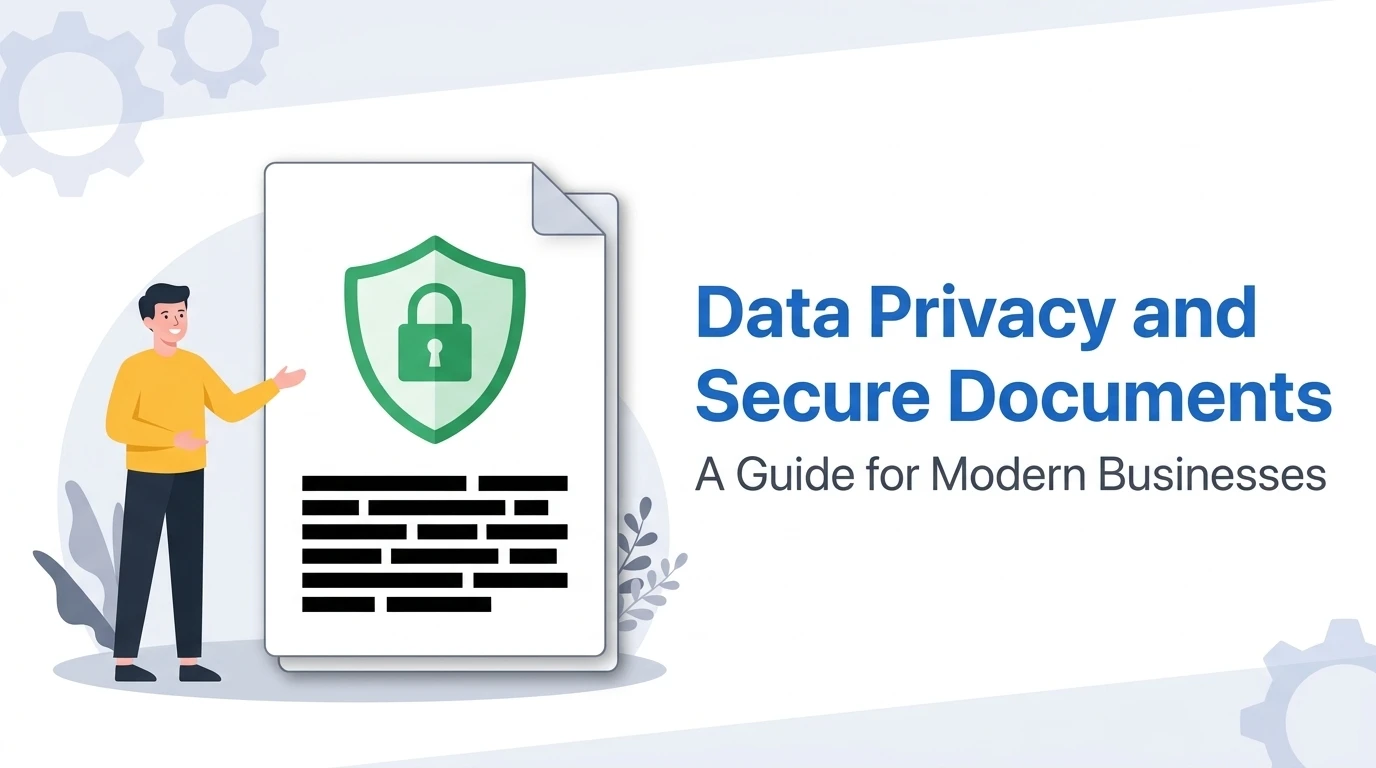
True PDF redaction permanently deletes character data, glyph outlines, and font encoding streams from the document file structure, rendering sensitive text unrecoverable. In contrast, pseudo-redaction—drawing opaque black shapes or applying dark marker overlays—merely places a visual mask over live text, leaving confidential information entirely readable via copy-paste, text scrapers, and accessibility tools.
Executive Summary: The Costly Illusion of Redaction
In modern professional workflows—whether submitting legal evidence in federal court, circulating executive salary disclosures, or processing patient medical charts under HIPAA—redaction is viewed as the ultimate seal of secrecy.
Yet year after year, multi-million dollar corporations, government defense agencies, and high-profile law firms find themselves humiliated in public headlines because of a single, catastrophic mistake: believing that covering text with a black visual element makes it unreadable.
This comprehensive technical blueprint breaks down the binary file mechanics of Adobe PDF streams, examines why standard PDF editors mislead users, and demonstrates how to execute genuine, irreversible client-side redaction without paying for expensive enterprise subscriptions.
1. The Fatal "Black Box" Mistake Explained
When an untrained user wants to redact a Social Security number, password, or proprietary pricing metric, they typically open their PDF in a free browser viewer (Google Chrome, Apple Preview, or Microsoft Edge) or a word processor and perform one of three actions:
- Select the Rectangle Annotation Tool and draw a solid black shape over the text.
- Use a digital Highlighter set to opaque black or dark gray.
- Change the font color to black while setting the text background fill to black.
To the human eye inspecting the rendered screen, the text appears redacted. But to computer software, nothing could be further from the truth.
Pressing Ctrl+A followed by Ctrl+C copies every single character sitting directly beneath the black box. Pasting into Notepad instantly reveals the confidential information. Furthermore, any recipient can open the file in standard design or PDF software, click the black rectangle, and hit Delete.
2. Under the Hood: How PDF Content Streams Store Text
To understand why drawing shapes fails, one must understand how ISO 32000 (the open PDF specification) organizes digital documents.
A PDF is not an image; it is a structured tree of dictionary objects, cross-reference tables (XREFs), and raw content streams encoded via FlateDecode (zlib compression). Text characters are stored inside BT (Begin Text) and ET (End Text) operators:
BT
/F1 12 Tf
72 712 Td
(CONFIDENTIAL SETTLEMENT: Patient John Doe received $4,200,000) Tj
ET
% Insecure pseudo-redaction simply appends a vector box afterward:
0 0 0 rg
70 710 320 16 re
f*
Notice that the text operator Tj containing the confidential settlement figure remains completely untouched! The black rectangle (re f*) is merely an aesthetic instruction placed on top of the text layer in the rendering stack.
3. Real-World Case Studies: Historic Redaction Failures
The 2019 Paul Manafort Criminal Filing Leak
Lawyers representing former campaign chairman Paul Manafort submitted a court filing with dozens of sensitive sentences supposedly redacted with black highlights. Within minutes of publication, journalists copied and pasted the text into plain-text editors, uncovering previously classified communications regarding Ukrainian polling data.
The TSA Airport Security Manual Leak
The Transportation Security Administration published an unclassified screening protocol document online. Black boxes were used to censor screening limits, passport verification exemptions, and explosive detection thresholds. Readers simply selected the document text to uncover the raw security guidelines.
Redact PDFs Permanently & Privately in Browser RAM
Protect confidential documents without uploading files to remote cloud servers. BrivTools PDF Redactor strips vector character streams, flattens sensitive bounding boxes, and purges metadata 100% client-side.
4. The Mechanics of True Redaction (Vector vs. Raster)
To achieve cryptographic certainty that text is unrecoverable, professional redaction software follows two rigorous protocols:
Character Code Destruction
The software parses the content stream, calculates the geometric bounding box of every character glyph, permanently excises matching bytes from the Tj operators, re-encodes the stream, and recalculates the XREF table.
Irreversible Pixel Baking
The page area is rendered to a raw bitmap image, the censored regions are overwritten with solid colored pixels, and the underlying text layer is completely discarded. There are no character codes left for OCR or scrapers to extract.
5. Cloud SaaS Privacy Risks: Why Online Uploads Violate Compliance
When users realize they lack Adobe Acrobat Pro, their first instinct is to Google "free online pdf redaction tool". They drag and drop their confidential document onto a third-party website without reading the terms of service.
Regulatory & Legal Consequences of Cloud PDF Uploads:
- •GDPR Article 28 Breaches: Transmitting Personally Identifiable Information (PII) to an unvetted third-party server without a signed Data Processing Agreement (DPA) can trigger massive regulatory penalties.
- •HIPAA Violations: Uploading patient health records (Protected Health Information) to non-BAA compliant servers exposes healthcare practices to severe civil audits.
- •Waiver of Attorney-Client Privilege: In legal jurisdictions, transferring unencrypted case files to third-party ad-supported conversion clouds can constitute an intentional waiver of privilege.
The Architectural Solution: True client-side tools like BrivTools execute the entire redaction pipeline inside your browser's local WebAssembly and JavaScript memory. Your document never touches a remote server or database.
6. Step-by-Step Client-Side Redaction Protocol
Load the PDF into BrivTools PDF Redactor
Navigate to BrivTools PDF Redactor. Drag and drop your target document into the viewport. The document parses locally in browser RAM without server upload.
Highlight Sensitive Text & Bounding Boxes
Drag across the names, account numbers, or confidential clauses you wish to censor. The engine calculates precise coordinate vectors.
Execute Permanent Stream Pruning
Click Apply Permanent Redactions. The tool permanently wipes the underlying character streams and flattens the coordinate bounding box into solid pixels.
Download the Sanitized PDF
Save your cleaned PDF. All metadata (author name, software version, revision histories) is automatically scrubbed.
7. Post-Redaction Verification & Testing Checklist
Before sending your redacted document to an adversary, client, or the press, perform this 30-second verification sanity check:
8. Frequently Asked Security & Legal Questions
Can someone recover text underneath a black rectangle drawn in Microsoft Edge or Preview?+
Standard PDF viewers treat annotations as non-destructive drawing objects. Anyone opening the file can click and drag to highlight the text beneath the box, copy it to their clipboard, or even use standard PDF editing software to select the black rectangle and press the Delete key.
Does converting a PDF to an image permanently destroy underlying text?+
Raster flattening is one of the most reliable cryptographic redaction mechanisms. Once pixels are baked, no text stream remains for reverse engineering. However, ensure you do not attach searchable OCR layers back into the file post-flattening.
Is it safe to use free online PDF editors for legal or medical documents?+
When using services that process files on their cloud backends, your confidential contracts, medical records, or Social Security numbers travel across public networks and are stored on third-party servers. BrivTools executes redaction entirely inside client-side WebAssembly, ensuring zero bytes ever leave your machine.
Does Adobe Acrobat Reader (Free) offer true redaction?+
Many users confuse Adobe Reader's black highlight or rectangle drawing with redaction. Because Reader lacks the Sanitize and Redact engines of Acrobat Pro, using it to censor sensitive text creates a massive security vulnerability.
Strategic Conclusion: True Security Requires Vector Destruction
Never gamble client confidentiality or regulatory compliance on visual black boxes. True redaction is a binary operation that excises underlying character data from the PDF DOM. By leveraging local browser-side execution, you maintain ironclad security without recurring software overhead.