'/%3E%3Cpath fill='%23ffffff' transform='translate(256 256) scale(0.6) translate(-256 -256)' d='M501.1 395.7L384 278.6c-23.1-23.1-57.6-27.6-85.4-13.9L192 158.1V96L64 0 0 64l96 128h62.1l106.6 106.6c-13.6 27.8-9.2 62.3 13.9 85.4l117.1 117.1c14.6 14.6 38.2 14.6 52.7 0l52.7-52.7c14.5-14.6 14.5-38.2 0-52.7zM331.7 225c28.3 0 54.9 11 74.9 31l19.4 19.4c15.8-6.9 30.8-16.5 43.8-29.5 37.1-37.1 49.7-89.3 37.9-136.7-2.2-9-13.5-12.1-20.1-5.5l-74.4 74.4-67.9-11.3L334 98.9l74.4-74.4c6.6-6.6 3.4-17.9-5.7-20.2-47.4-11.7-99.6.9-136.6 37.9-28.5 28.5-41.9 66.1-41.2 103.6l82.1 82.1c8.1-1.9 16.5-2.9 24.7-2.9zm-103.9 82l-56.7-56.7L18.7 402.8c-25 25-25 65.5 0 90.5s65.5 25 90.5 0l123.6-123.6c-7.6-19.9-9.9-41.6-5-62.7zM64 472c-13.2 0-24-10.8-24-24 0-13.3 10.7-24 24-24s24 10.7 24 24c0 13.2-10.7 24-24 24z'/%3E%3C/svg%3E)
Image Compression Architecture: Lossy vs. Lossless Encoding, HEIC/TIFF Client-Side Decoding & Alpha Channel Preservation
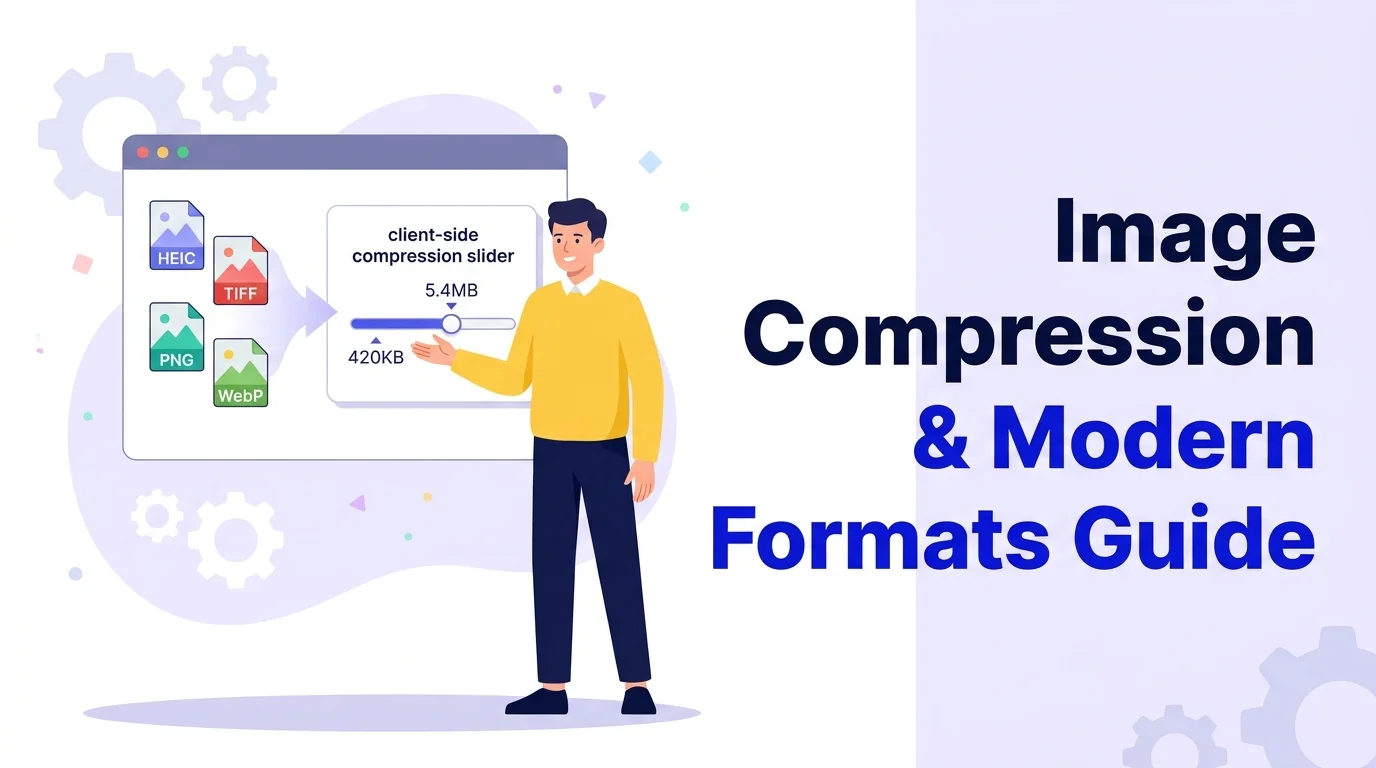
Images account for over 50% of the total byte weight transferred across the average modern web page. Optimizing visual assets is the single most impactful lever for conquering Google's Largest Contentful Paint (LCP) Core Web Vital. However, frontend teams frequently encounter friction: mobile users upload proprietary iPhone HEIC files, graphic designers deliver uncompressed 20 MB TIFFs, and naive compressors strip essential transparent alpha channels.
1. Lossy vs. Lossless Mechanics: DCT Quantization vs. Entropy Coding
All image compression algorithms belong to one of two fundamental architectural classes:
Operates via Discrete Cosine Transform (DCT) or block prediction. The encoder converts 8×8 pixel blocks into spatial frequency coefficients, then aggressively quantizes (divides and rounds) high-frequency color data that the human eye cannot detect. This achieves 60% to 85% file size reductions at the cost of non-reversible data loss.
Employs statistical entropy coding (LZ77, Huffman, Deflate). Identical color patterns and repetitive byte sequences are replaced with compact dictionary references. Decompressing the image yields an exact bit-for-bit copy of the original raw pixels with zero generational loss.
2. The Mobile & Camera Dilemma: In-Browser HEIC and TIFF Decoding
Modern smartphones capture photography in formats that desktop web browsers cannot display natively:
- Apple HEIC / HEIF: Employs High Efficiency Video Coding (H.265) compression. Because of patent licensing restrictions, standard browser engines cannot render raw
.heicfiles in an<img>tag without client-side WebAssembly decoders. - Professional TIFF: Tagged Image File Format structures data into complex multi-page Image File Directories (IFD). While preferred for print workflows (see our DPI vs PPI Print Guide), uncompressed TIFFs are far too massive for web delivery.
The BrivTools Image Compressor executes WebAssembly decoders locally inside a Web Worker thread, unpacking camera formats directly into canvas pixel arrays for instant re-encoding into WebP or JPG.
3. Alpha Channel Transparency Preservation in WebP and PNG
A frequent production failure occurs when designers convert transparent PNG assets to JPEG to reduce page weight, resulting in unsightly black or white matte backgrounds behind logos and UI elements:
Unlike legacy JPEG, WebP supports full 8-bit alpha transparency in both lossy and lossless modes. An image with transparent backgrounds can have its RGB color channels compressed with aggressive lossy DCT while keeping the alpha transparency channel perfectly sharp and clean—delivering transparent graphics at 30% of the byte weight of PNG-24.
4. In-Browser Compression: Web Workers, Canvas & Zero Server Upload
Traditional SaaS conversion services require uploading high-resolution media to cloud servers, introducing network latency, upload queue stalls, and severe privacy hazards. Modern smartphone photos contain embedded EXIF metadata detailing GPS coordinates and camera serial numbers (explore our EXIF Metadata & GPS Privacy Guide).
By rendering images into an offscreen <canvas> element managed by a dedicated Web Worker, BrivTools executes format transcoding and quantization in hardware-accelerated local RAM. Your photos never leave your device.
5. 2026 Production Image Format Selection Matrix
Use this decision matrix when choosing target image formats for web delivery:
| Asset Type | Recommended Format | Compression Mode | Core Web Vitals Benefit |
|---|---|---|---|
| Hero Banners & Photos | WebP / AVIF | Lossy (78%–82% quality) | Optimizes LCP (< 2.5s) |
| Transparent UI Logos | WebP (Transparent) | Lossy RGB + Lossless Alpha | Saves 60% vs PNG-24 |
| Technical Screenshots | PNG / WebP Lossless | Lossless | Crisp text without ringing |
| Vector Icons & Badges | SVG (Optimized) | Vector XML Minification | Zero CLS layout shift |
To convert any raster asset directly to modern WebP, use our free Image to WebP Converter or benchmark formats with our WebP vs AVIF vs SVG guide.
6. Frequently Asked Questions
Why do browsers struggle to display raw HEIC and TIFF images?+
Apple's HEIC format uses High Efficiency Video Coding (H.265/HEVC) compression, which is encumbered by complex commercial patent pools that open-source browser engines (like Chromium and Firefox) avoid bundling natively. TIFF files support multi-page rasters, custom color spaces (CMYK, Lab), and planar uncompressed configurations that standard HTML <img> elements cannot parse without client-side WebAssembly transcoders.
Does converting PNG to WebP or JPG destroy alpha transparency?+
The classic JPEG specification has zero support for an alpha channel; transparent pixels are permanently replaced by a solid white or black matte. WebP supports full 8-bit alpha transparency in both lossy and lossless modes, making it the ideal modern replacement for oversized transparent PNG graphics.
What is the perceptual difference between 80% and 100% lossy quality?+
Human visual perception is substantially more sensitive to luminance (brightness) variations than chrominance (color) details. Modern compression algorithms exploit this by quantizing high-frequency color variations that the human eye cannot discern. Operating between 75% and 82% quality delivers optimal Core Web Vitals LCP performance without perceptual degradation.
Can I compress batches of personal photos without privacy risks?+
Traditional online image compressors upload your files to remote cloud buckets, exposing sensitive photo EXIF metadata (including home GPS coordinates and camera serial numbers). BrivTools Image Compressor processes images locally inside your browser using HTML5 Canvas and WebAssembly—no data ever traverses a network.
Batch Compress & Convert Images in Your Browser
Reduce image file sizes by up to 80% across PNG, JPG, WebP, HEIC, and TIFF without uploading files to remote servers.